


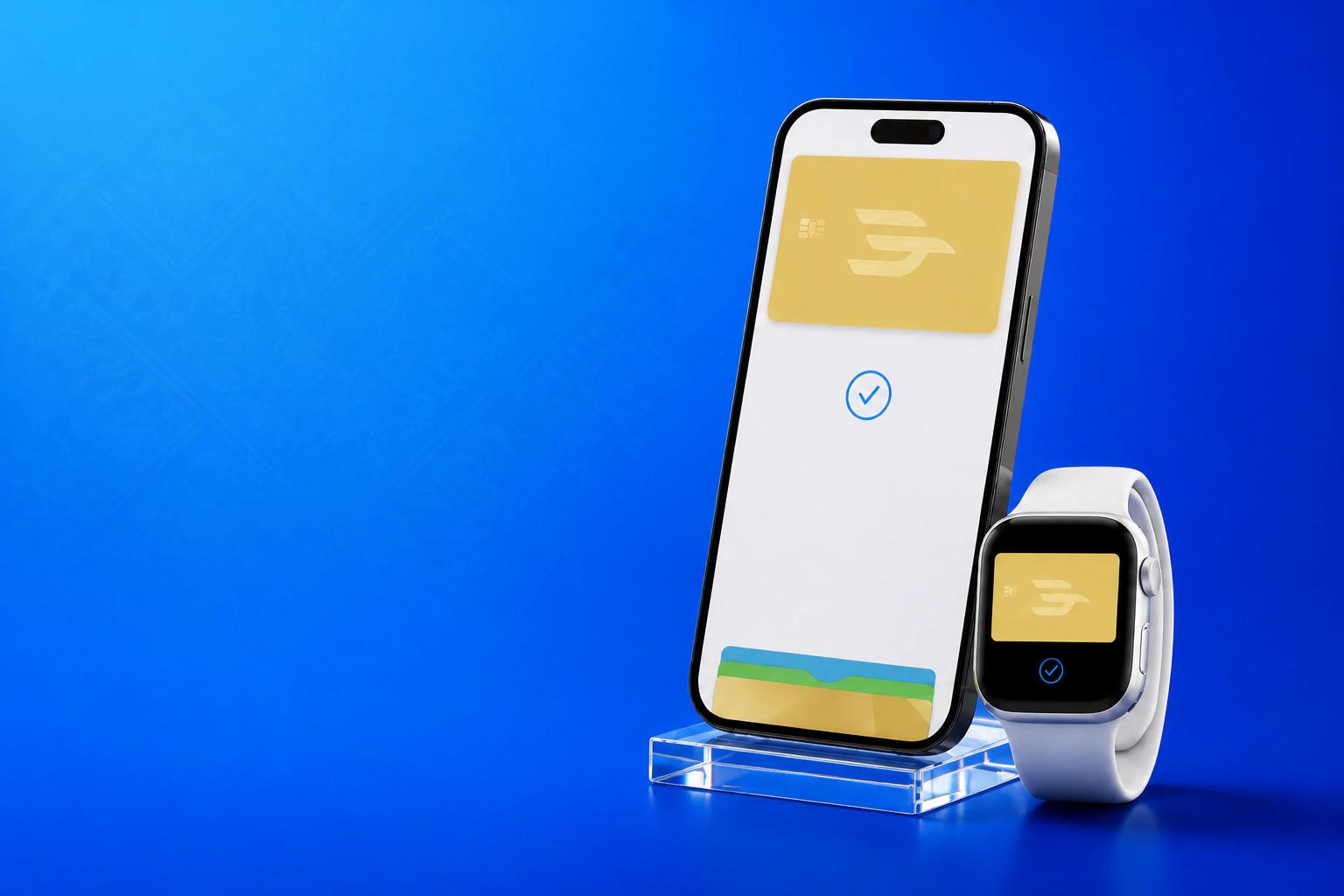
Designed for security. Only you can pay.
Apple does not pass your card number to merchants and does not store it on its servers. If you lose your iPhone, just mark it as lost in the "Find My" app to suspend your Eldik Bank card.
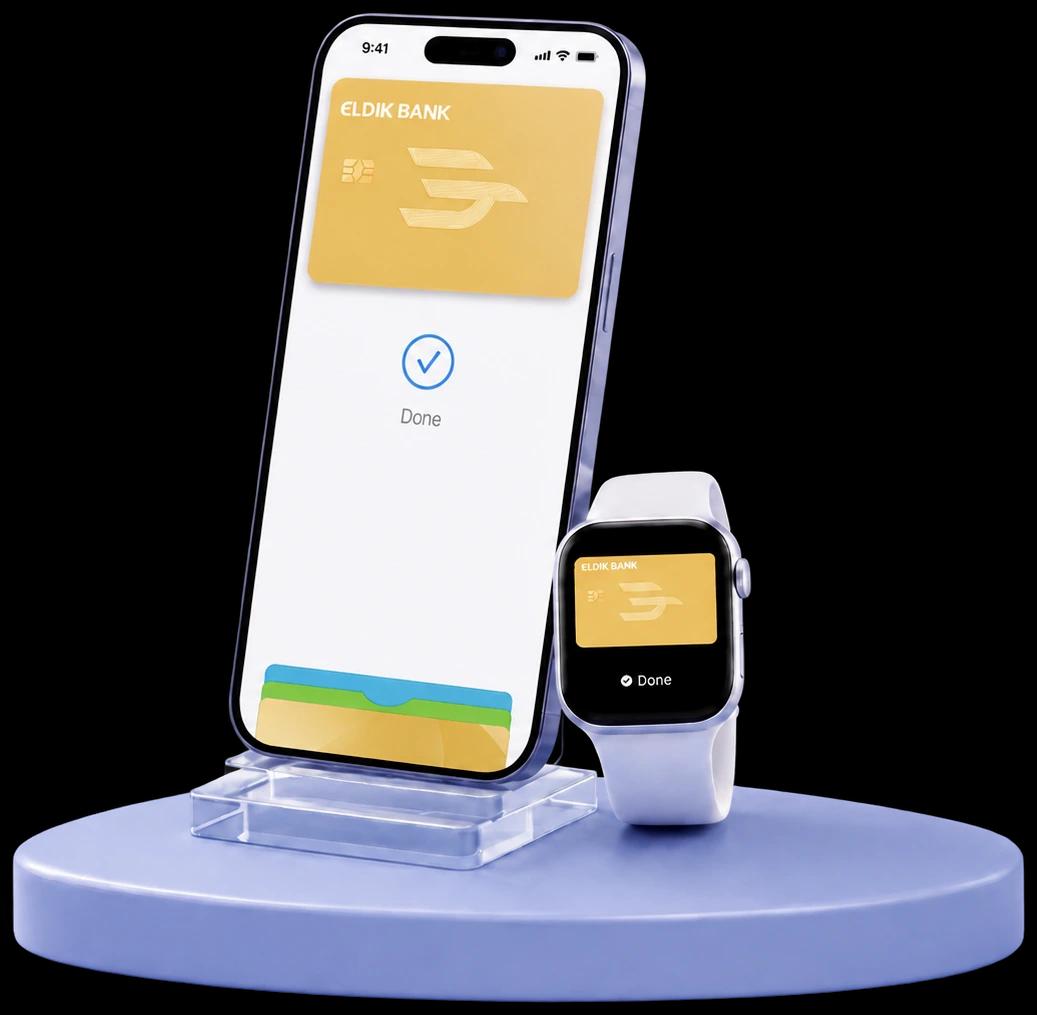


Apple does not pass your card number to merchants and does not store it on its servers. If you lose your iPhone, just mark it as lost in the "Find My" app to suspend your Eldik Bank card.
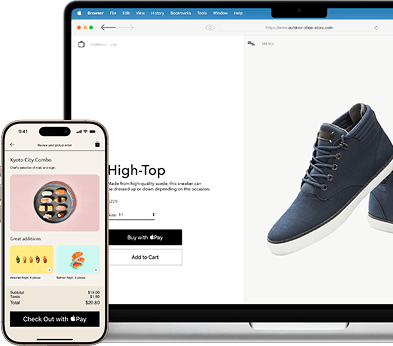
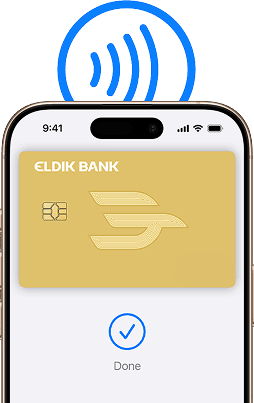
With Apple Pay, there is no need to enter an address or CVC code when paying. Just look at the screen or tap the device — and pay with an Eldik Bank card.
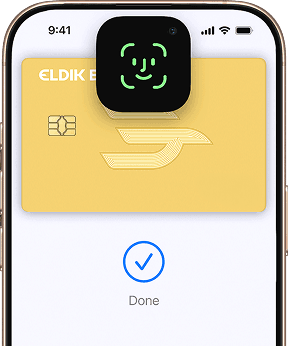
Apple Pay is accepted by millions of stores around the world. Find the Apple Pay or contactless payment icon and pay with an Eldik Bank card.
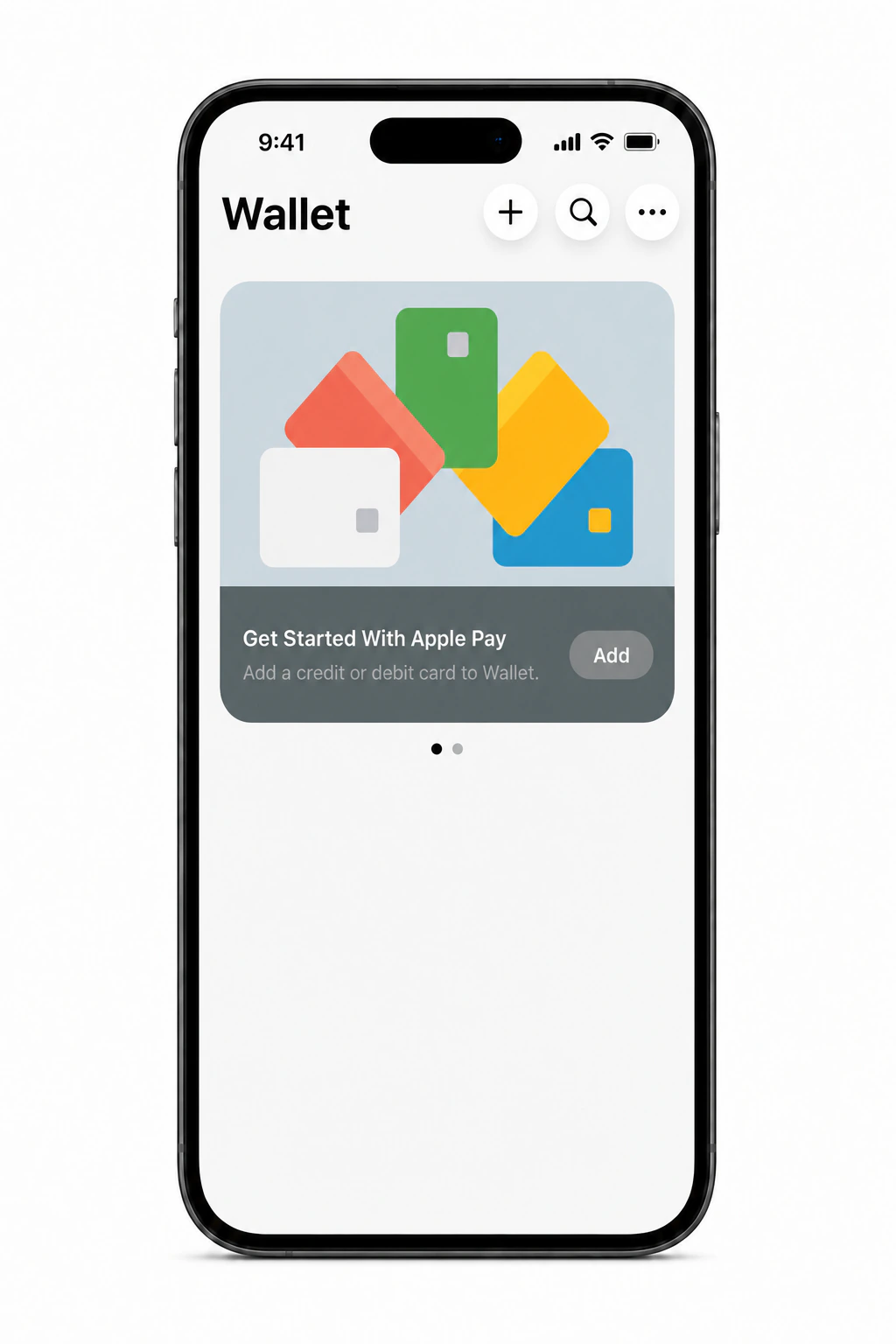
All Eldik Bank Visa and Mastercard cards.
You can block Apple Pay through the "Find My iPhone" service or contact the bank.
No. Connecting and using Apple Pay are free of charge.
Yes. The same card can be added to multiple Apple devices using one Apple ID or different devices of the cardholder.
Yes. Apple Pay works everywhere where contactless Visa or Mastercard payments are accepted and Apple Pay is supported.
Make sure that: the device supports Apple Pay; the current version of iOS is installed; the card supports Apple Pay; the card details are entered correctly.