
Promotion “I’m Saving for a Dream” — get 100,000 soms to bring your project to life!
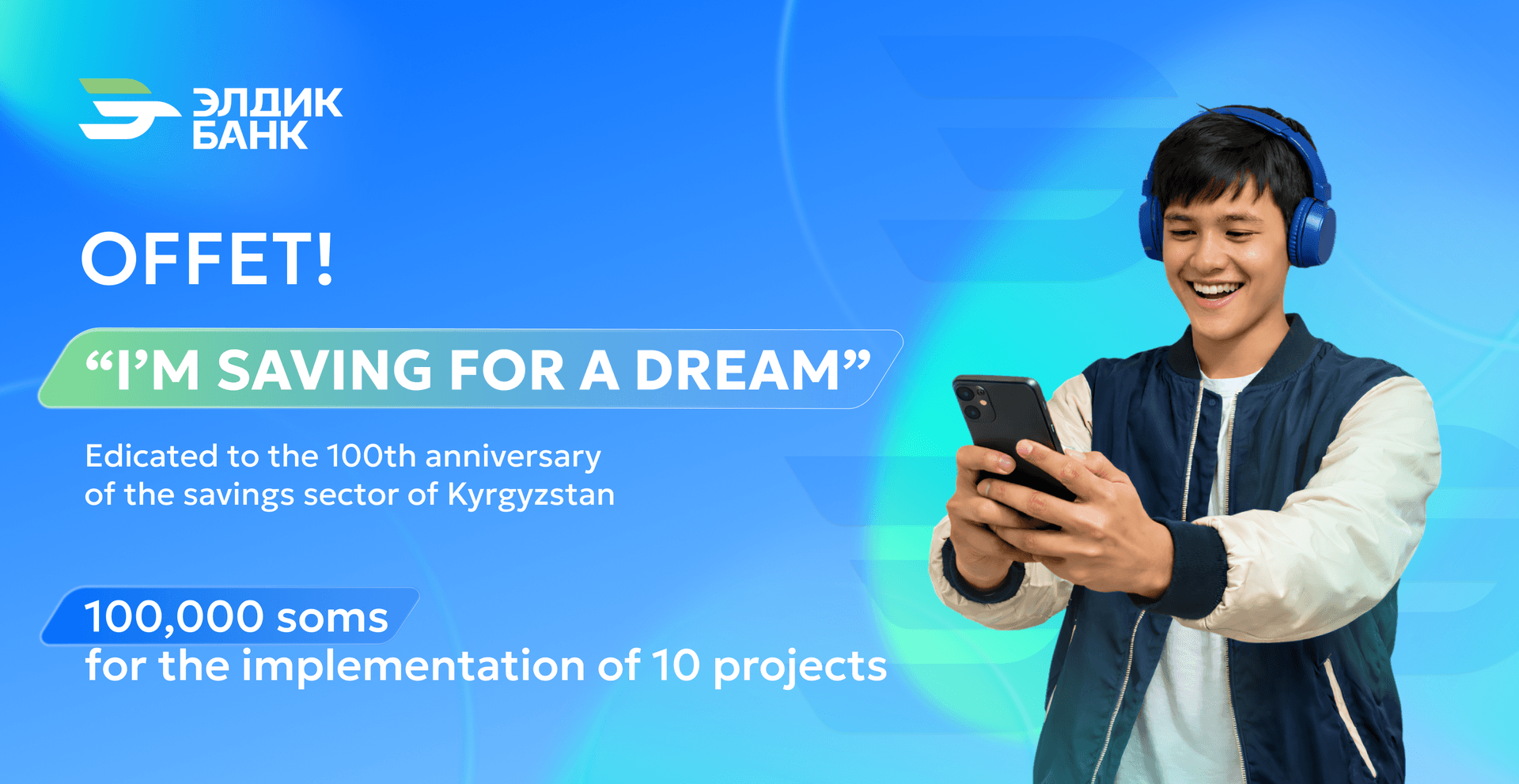
100,000 soms — to make your dream a reality!
If you’re a student and have an idea that can change people’s lives for the better — in creativity, science, ecology, or social initiatives — now is the perfect time to take your first step.
Eldik Bank launches the campaign “I’m Saving for a Dream”, dedicated to the 100th anniversary of the savings system of Kyrgyzstan, to support bold ideas and those who are ready to turn dreams into real projects.
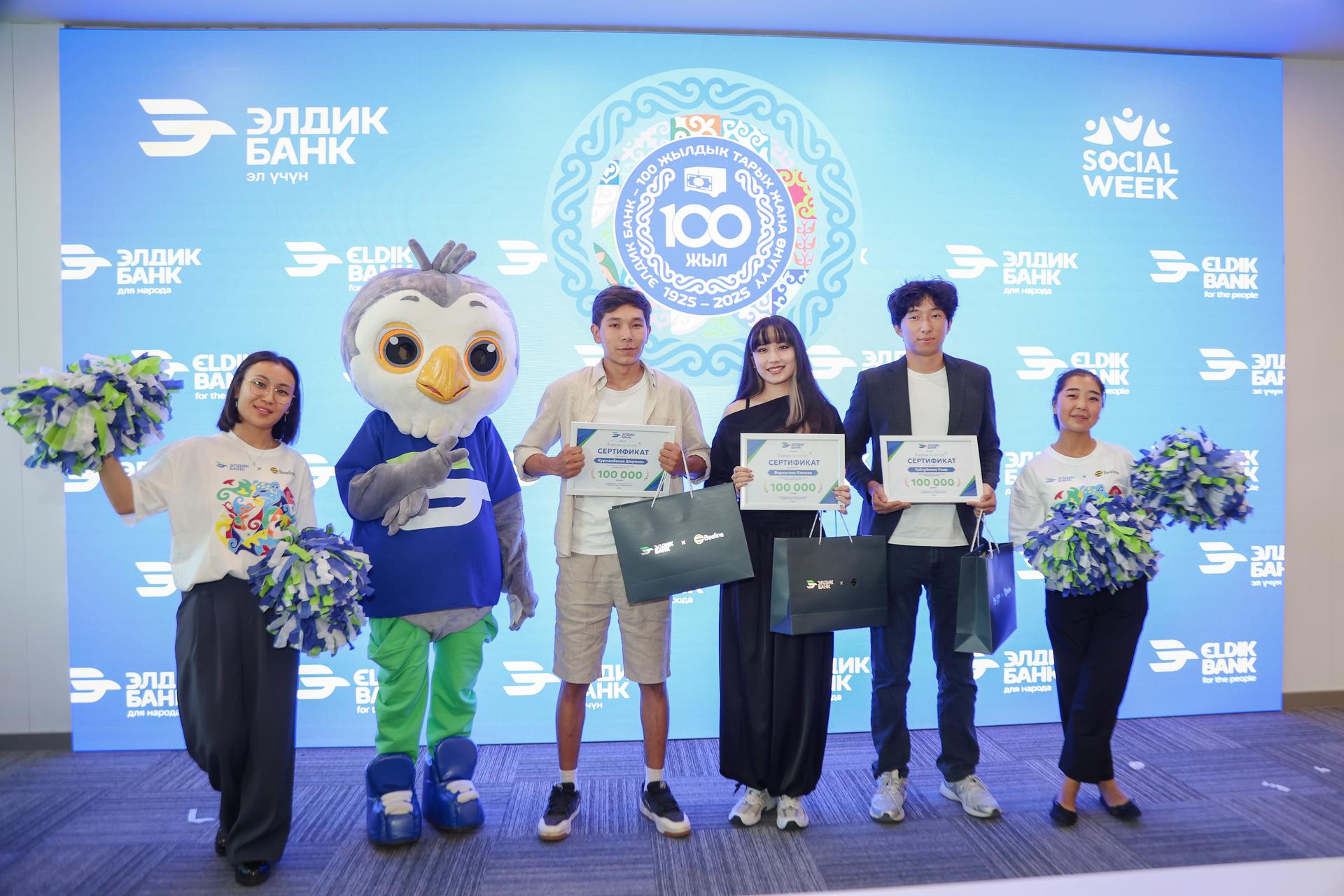
• 6 winners will receive 100,000 soms each to bring their ideas to life.
How to participate?
Record a video and tell us about your project. Show why your idea matters and what steps you’ve already taken toward your dream.
Post the video on Instagram with the hashtag #ЭлдикБанкмененкыялдан and tag @eldikbank_kg.
Open an account online with Eldik Bank, connect Eldik mobile banking, and save at least 3,000 soms for your project. This will be your first investment in your own idea.
Campaign period
The campaign will be held in three stages from February 10 to August 10, 2026:
• Stage 1: 10.02 – 10.05.2026
• Stage 2: 10.05 – 10.08.2026
In the first and second stages, 3 winners will be selected in each stage. Participation is allowed both individually and as a team.
Full campaign rules are available here.
How to connect Eldik mobile banking?
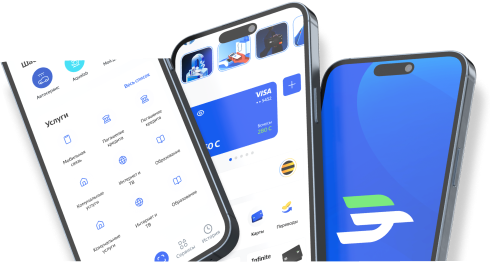
To connect the Eldik mobile application, download it from the App Store or Play Market. Open the app and tap “Register in the app.” Enter your phone number and PIN — the 14-digit personal identification number located on the back of your ID passport. Enter the text from the image shown.
An SMS with a code will be sent to your phone number. Enter it in the appropriate field and tap “Confirm.” Review the provided documents, check the boxes to confirm your consent, and tap “Continue.” Enter the SMS code to sign the documents.
To complete registration, pass online identification by taking photos of both sides of your passport. Check the accuracy of the entered data. Then place your face in the center of the oval on the screen for identity verification. Create and enter a new password (in accordance with security requirements) and confirm it. Finally, create a quick access code for convenient login to the app.